Why this matters
Treat GRBL alarm/error numbers as diagnostic messages and fix the cause instead of reflexively clearing the controller state.
How it works
- GRBL alarms indicate serious machine states; error codes indicate commands the controller cannot act on.
- ALARM:1 can follow a limit trigger and often requires rehoming because position may be lost.
- ALARM:2 indicates motion outside known workspace and can be caused by job size, Start From/Origin choices, rotary limits or configuration.
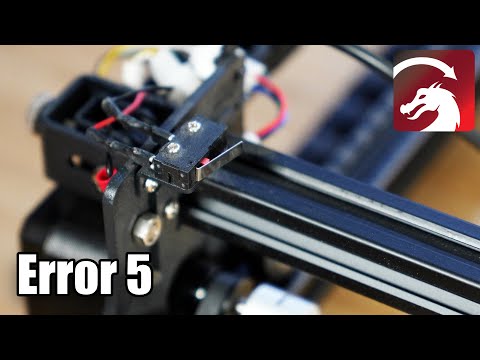
- Error:5 commonly appears when LightBurn requests homing but homing is not enabled/configured.
Practical workflow
- Record the exact
ALARM:#orerror:#before doing anything. - Match the code to the LightBurn/GRBL explanation.
- Check the physical machine state, coordinates and recent workflow change.
- Correct the cause, then rehome/recover in the controller-appropriate way.
- Repeat a low-risk Frame or jog test before returning to production.
What to watch for
$Xcan unlock some states but does not restore lost position or fix incorrect configuration.