


 ▶Official LightBurn
LightBurn SoftwareBeginnerCurrent
Adding a Camera in LightBurn
Official current setup walkthrough for adding a camera to LightBurn before calibration and alignment.
Carefully reviewed LightBurn videos that add visual context to the written knowledge base. Videos play inside LaserLearn.
▶Official LightBurnOfficial current setup walkthrough for adding a camera to LightBurn before calibration and alignment.
 ▶Official LightBurn
Official current lens-calibration walkthrough for correcting optical distortion before camera alignment.
 ▶Official LightBurn
Official current camera-alignment walkthrough for mapping the corrected camera view to the physical laser bed.
 ▶Official LightBurn
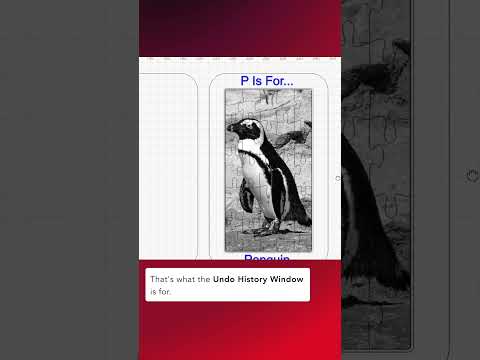
Official quick tip showing the current Undo History interface and how to return to a known editing state.
 ▶Official LightBurn
Official LightBurn quick tip for returning to Select mode quickly during editing.
 ▶Official LightBurn
Official quick tip showing how LightBurn selects circles by geometry and size criteria.
 ▶Official LightBurn
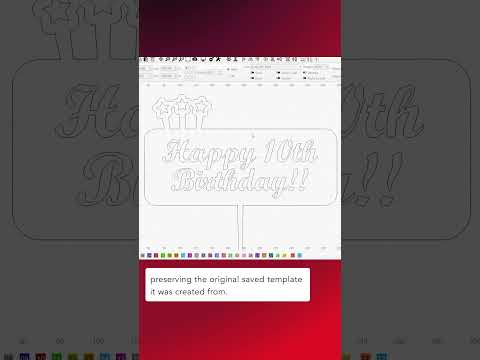
Official LightBurn quick tip demonstrating the current Template File workflow.
 ▶Official LightBurn
Official beginner workflow for preparing and engraving an image in LightBurn with visible settings and result-oriented steps.
 ▶Official LightBurn
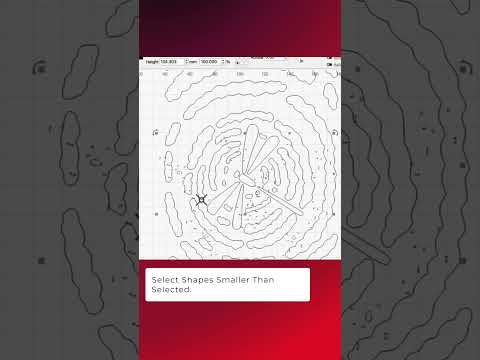
Official LightBurn quick tip showing size-relative selection for finding tiny unwanted geometry.
 ▶Official LightBurn
Official visual demonstration of reducing unnecessary vector nodes while preserving the intended contour.
 ▶Official LightBurn
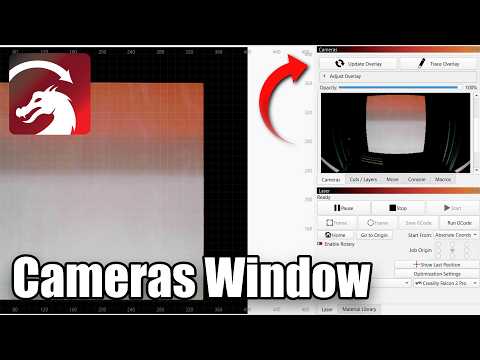
Official LightBurn walkthrough of the current camera workflow, from a usable camera view to practical placement on the laser bed.
 ▶Official LightBurn
Official LightBurn Software quick tip on precise shape nudging.
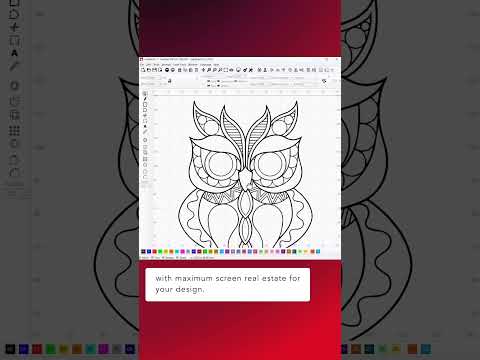 ▶Official LightBurn
Official LightBurn Software tutorial focused on Maximizing Design Area.
 ▶Official LightBurn
Official LightBurn Software tutorial focused on Mastering LightBurn's Align Tools.
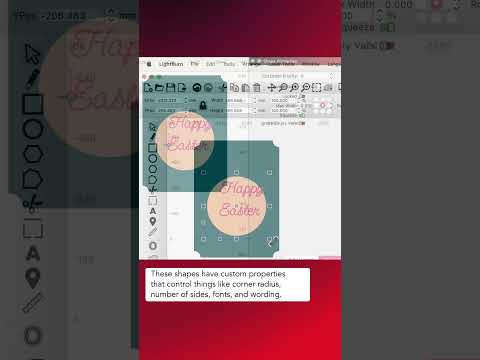 ▶Official LightBurn
Official LightBurn Software tutorial focused on Node-Edit Text, Circles, Rectangles, and More Using Convert to Path.
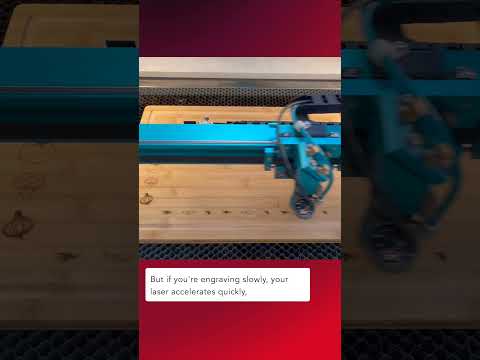 ▶Official LightBurn
Official LightBurn Software tutorial focused on Fill Mode Ordering.
 ▶Official LightBurn
Official LightBurn Software tutorial focused on Quick Tip – Fitting designs to real-life objects.
 ▶Official LightBurn
Official LightBurn Software tutorial focused on Align to Angles.