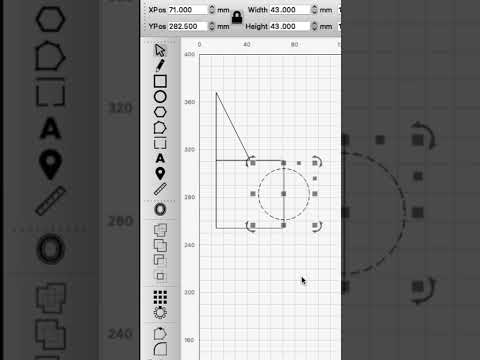
▶Official LightBurnQuick Tip: Node-Edit Text, Circles, Rectangles, and More Using Convert to Path
Official LightBurn Software tutorial focused on Node-Edit Text, Circles, Rectangles, and More Using Convert to Path.
Carefully reviewed LightBurn videos that add visual context to the written knowledge base. Videos play inside LaserLearn.
▶Official LightBurnOfficial LightBurn Software tutorial focused on Node-Edit Text, Circles, Rectangles, and More Using Convert to Path.
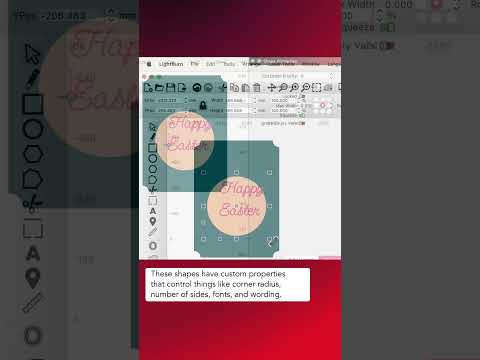
▶Official LightBurnOfficial LightBurn Software tutorial focused on Trim Shapes.
▶Official LightBurnOfficial LightBurn Software tutorial focused on Extreme Nodes for Perfect Curves.
▶Official LightBurnOfficial LightBurn Software tutorial focused on Create and Edit Vectors With the Draw Lines Tool.
▶Official LightBurnOfficial LightBurn Software tutorial focused on Differences Between Union and Weld.
▶Official LightBurnOfficial LightBurn Software tutorial focused on Auto-Group Parts in Complex Designs.
▶Official LightBurnOfficial LightBurn Software tutorial focused on Batch-Resizing Objects.
▶Official LightBurnOfficial tutorial for placing and controlling text along a vector path.
▶Official LightBurnOfficial tutorial covering snapping behavior for faster, more reliable design alignment.
▶Official LightBurnOfficial tutorial for precise numeric control of object position, size, scaling, and rotation.
▶Official LightBurnOfficial overview of LightBurn selection techniques for working efficiently with complex designs.