


 ▶Official LightBurn
LightBurn SoftwareIntermediateCurrent
Quick Tip: Select Circles
Official quick tip showing how LightBurn selects circles by geometry and size criteria.
Carefully reviewed LightBurn videos that add visual context to the written knowledge base. Videos play inside LaserLearn.
▶Official LightBurnOfficial quick tip showing how LightBurn selects circles by geometry and size criteria.
 ▶Official LightBurn
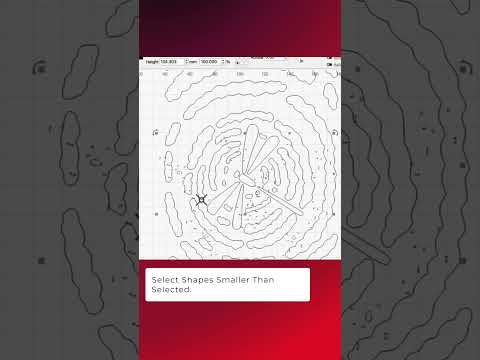
Official LightBurn quick tip showing size-relative selection for finding tiny unwanted geometry.
 ▶Official LightBurn
Official visual demonstration of reducing unnecessary vector nodes while preserving the intended contour.
 ▶Official LightBurn
Official LightBurn tutorial covering using Trace Image to convert bitmap artwork into editable vector geometry.
 ▶Official LightBurn
Official LightBurn tutorial covering diagnosing imported vector issues and repairing open, unjoined or inefficient geometry.
 ▶Official LightBurn
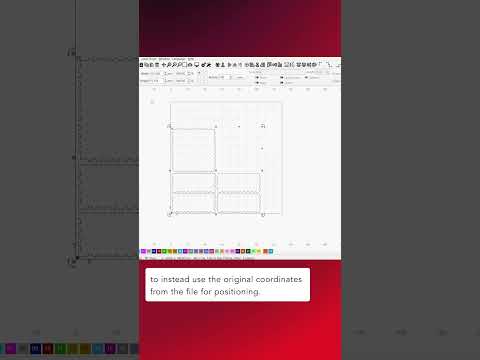
Official LightBurn tutorial covering useful techniques for bringing external artwork into LightBurn more efficiently.
 ▶Official LightBurn
Official LightBurn tutorial covering using Cut Shapes to divide or trim designs with other vector geometry.
 ▶Official LightBurn
Official LightBurn tutorial covering subtracting one closed vector shape from another.
 ▶Official LightBurn
Official LightBurn tutorial covering creating a simplified outer outline around selected geometry.
 ▶Official LightBurn
Official LightBurn tutorial covering creating inward and outward offsets for borders, cut lines, spacing and design construction.
 ▶Official LightBurn
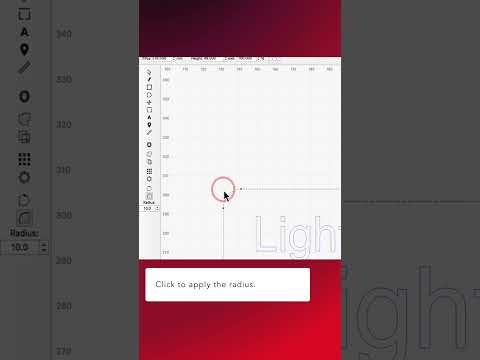
Official LightBurn tutorial covering rounding vector corners with the Radius tool.
 ▶Official LightBurn
Official LightBurn tutorial covering mirroring selected objects horizontally or vertically.
 ▶Official LightBurn
Official LightBurn tutorial covering grouping objects so they move and scale together, then ungrouping them when individual editing is needed.
 ▶Official LightBurn
Official LightBurn tutorial covering the node-editing toolbar and direct vector path editing.
 ▶Official LightBurn
Official LightBurn tutorial covering editing parametric shapes after they have been created.
 ▶Official LightBurn
Official LightBurn tutorial covering the practical difference between open and closed vector paths and why Fill can fail on open geometry.
 ▶Official LightBurn
Official LightBurn tutorial covering ways to reverse positive and negative areas in vector engraving workflows.