


 ▶Official LightBurn
LightBurn SoftwareIntermediateCurrent
Quick Tip: Optimizing Nodes in LightBurn
Official visual demonstration of reducing unnecessary vector nodes while preserving the intended contour.
Carefully reviewed LightBurn videos that add visual context to the written knowledge base. Videos play inside LaserLearn.
▶Official LightBurnOfficial visual demonstration of reducing unnecessary vector nodes while preserving the intended contour.
 ▶Official LightBurn
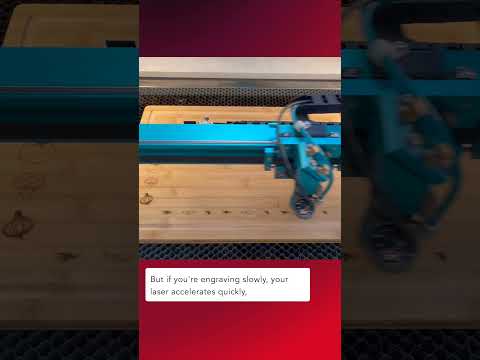
Official LightBurn Software tutorial focused on Fill Mode Ordering.
 ▶Official LightBurn
Official LightBurn tutorial covering packing selected objects efficiently into a rectangular area with Quick Nest.
 ▶Official LightBurn
Official LightBurn tutorial covering using Remove Overlapping Lines in Optimization Settings to prevent duplicate cutting.
 ▶Official LightBurn
Official LightBurn tutorial covering ordering operations so through-cuts happen after engraving and marking.
 ▶Official LightBurn
Official LightBurn tutorial covering using Tool Layers and layout planning to reduce wasted stock.
 ▶Official LightBurn
Official LightBurn tutorial covering the Preview window and checking job order, travel and output before running the laser.