


 ▶Official LightBurn
LightBurn SoftwareIntermediateCurrent
Quick Tip: Optimizing Nodes in LightBurn
Official visual demonstration of reducing unnecessary vector nodes while preserving the intended contour.
Carefully reviewed LightBurn videos that add visual context to the written knowledge base. Videos play inside LaserLearn.
▶Official LightBurnOfficial visual demonstration of reducing unnecessary vector nodes while preserving the intended contour.
 ▶Official LightBurn
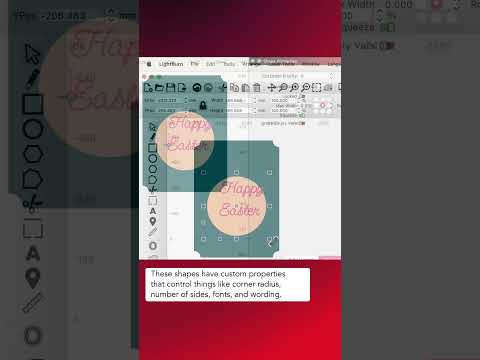
Official LightBurn Software tutorial focused on Node-Edit Text, Circles, Rectangles, and More Using Convert to Path.
 ▶Official LightBurn
Official LightBurn Software tutorial focused on Align to Angles.
 ▶Official LightBurn
Official LightBurn Software tutorial focused on Extreme Nodes for Perfect Curves.
 ▶Official LightBurn
Official LightBurn Software tutorial focused on Create and Edit Vectors With the Draw Lines Tool.
 ▶Official LightBurn
Official LightBurn tutorial covering the node-editing toolbar and direct vector path editing.