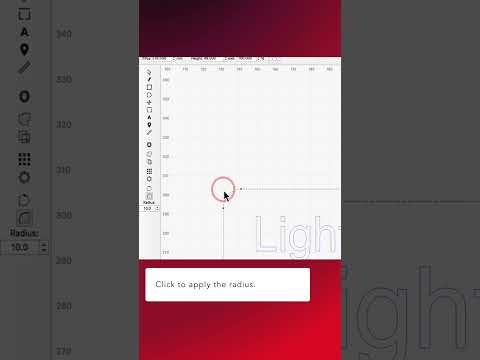
Why this matters
Use nodes, segments and curve handles for local vector repair instead of redrawing an entire imported or traced shape.
How it works
- Edit Nodes works on vector paths and exposes the anchor points and curve handles that define the shape.
- Grouped objects must be ungrouped, and Text Objects or Primary Shapes may need Convert to Path before node editing.
- Too many nodes make a path harder to edit and can preserve tracing noise.
Practical workflow
- Convert or ungroup the object only when necessary.
- Zoom into the local defect instead of editing the whole path at once.
- Move, delete or convert nodes/segments while watching the curve handles.
- Keep corners sharp only where the design requires them.
- Preview the final laser path after geometry changes.
What to watch for
- Converting text to paths removes normal text editability.
- Deleting the wrong node can alter neighboring curves significantly.
- Node editing fixes geometry; it does not fix unsuitable laser settings.