Why this matters
Separate lens calibration from workspace alignment and know what must be repeated when a camera is moved.
How it works
- LightBurn 2.1 introduced a substantially revised camera system, so older camera instructions may not apply.
- Lens Calibration corrects optical distortion and generally depends on the camera itself.
- Camera Alignment maps the calibrated camera to the laser workspace and must be redone when the camera's mounting position changes.
- Camera workflows rely on correct workspace positioning; alignment guidance uses Absolute Coords.
Practical workflow
- Mount the camera rigidly in its final working position.
- Run Lens Calibration with a flat, high-contrast calibration pattern.
- Then run Camera Alignment against the actual laser workspace.
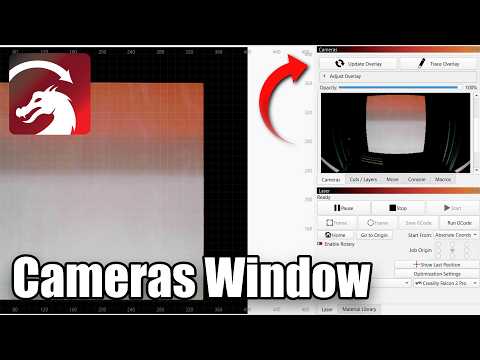
- Update the overlay and test placement using harmless reference geometry.
- If the camera moves later, keep the lens calibration but redo Alignment.
What to watch for
- Do not mix pre-2.1 and 2.1 camera instructions without checking version scope.